Best Globe for Kids Learning Geography (2025): 3 Honest Picks for Homeschool Families
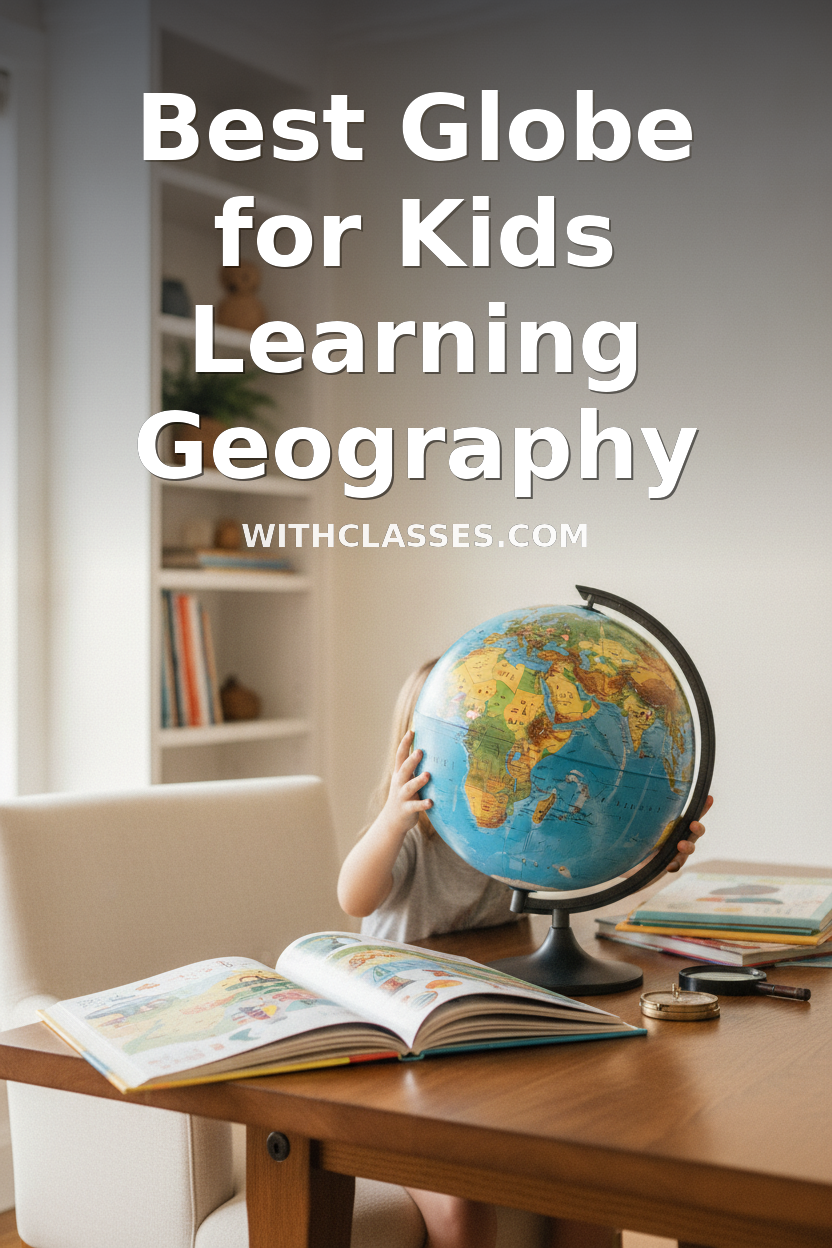
If you want one tool that actually gets kids curious about the world, the LeapFrog Magic Adventures Globe is our top pick — it combines hands-on play with real geography content in a way that holds attention without constant parental involvement. Read on for the full breakdown of all three options so you can choose the right fit for your child's age and learning style.
This page contains affiliate links. As an Amazon Associate we earn from qualifying purchases at no extra cost to you.
Jump to a Review
- LeapFrog Magic Adventures Globe — Best overall for younger kids
- PlayShifu Orboot Earth AR Globe — Best for tech-savvy families
- BEST LEARNING i-Poster My World — Best budget-friendly starter
LeapFrog Magic Adventures Globe
Best For: Younger learners who need engagement without a screenThis is the globe I recommend first to homeschool moms with kids in the 4–8 range, and it rarely disappoints. You touch the stylus to any spot on the globe and it talks back — continent facts, animal sounds, capital cities, cultural tidbits. It covers over 100 countries and includes quizzes that actually make kids want to keep playing.
What I appreciate most is that it works independently. Once you hand it over, your child can explore without you sitting beside them facilitating every interaction. That matters when you have multiple kids to teach.
Pros
- No app or Wi-Fi required — just batteries
- Works independently; great for self-directed learning
- Covers animals, cultures, geography, and landmarks
- Durable enough for young kids to handle daily
- Multiple quiz modes keep it from getting stale
Cons
- Content depth maxes out around age 8–9
- Audio quality is decent but not impressive
- Stylus can go missing — keep a backup spot for it
PlayShifu Orboot Earth Explorer Interactive AR Globe
Best For: Older kids who are already comfortable with tabletsThe Orboot pairs a physical globe with an AR app to layer 3D animals, cultural landmarks, and facts on top of what you're looking at. Point your tablet at any country and you get animated content — it's genuinely impressive the first few times. Kids who are drawn to technology tend to take to this one immediately.
My honest caveat: the physical globe itself is nearly blank. All the real learning happens through the app, which means you need a working tablet and a charged device every time you use it. If your family is intentionally limiting screen time, this one works against that. If screens aren't a concern, the content quality is solid and regularly updated.
Pros
- AR experience is genuinely engaging for older kids
- Covers cultures, animals, food, inventions, and landmarks
- App content is updated over time
- Physical globe is lightweight and attractive
- Companion quiz features reinforce learning
Cons
- Requires a tablet every single time — not standalone
- Physical globe alone has almost no printed information
- App can be glitchy on older tablet models
- More of a screen activity dressed up as a globe
BEST LEARNING i-Poster My World Interactive World Map
Best For: Families on a tighter budget who want daily visual exposureTechnically this is a wall map, not a globe — but it belongs in this comparison because it solves the same problem at a lower price point and with a different physical format. You hang it on the wall, tap any spot with the included stylus, and it reads out facts about countries, capitals, oceans, and more. The format means your kids walk past it every day, which is honestly great for passive learning.
The content isn't as rich as LeapFrog's globe and the stylus feel is a little clunkier, but for a first geography tool or a supplement to a co-op class, it does the job well. If globe-shaped geography is a must, go with LeapFrog. If wall space and daily visibility sound useful, this earns its place.
Pros
- Most affordable option of the three
- Wall format means constant visual exposure
- No app or Wi-Fi required
- Covers all countries, capitals, and oceans
- Good for multiple ages to use casually
Cons
- Not a globe — flat map format only
- Less engaging than the LeapFrog globe for solo play
- Audio content is shallower than competitors
- Stylus feel is less precise
Our Pick
Here's What We'd Actually Buy
For most homeschool families, the LeapFrog Magic Adventures Globe is the right answer. It works without a device, holds up to daily use, teaches real geography content, and kids between 4 and 8 will return to it on their own. That combination is hard to beat.
If your kids are older (8+) and already tablet-comfortable, the Orboot offers richer content and that AR wow-factor — just go in knowing it's a screen-dependent experience. And if budget is the main constraint, the i-Poster map delivers solid daily geography exposure at a fraction of the cost.
Best Overall
LeapFrog Magic Adventures Globe
Best for Older Kids
PlayShifu Orboot Earth AR Globe
Best Budget Pick
BEST LEARNING i-Poster My World
Questions Homeschool Parents Ask
What age is a globe appropriate for kids learning geography?
Most interactive globes designed for kids work well from around age 4 or 5 — when children can handle the stylus and start absorbing simple facts about countries and continents. The LeapFrog globe is a great starting point at that age. By 8 or 9, kids tend to outgrow the content depth of most toy globes and are ready for a traditional raised-relief globe or more rigorous geography curriculum. Think of interactive globes as a curiosity-building tool for the early years, not a long-term geography spine.
Can an interactive globe replace a geography curriculum?
No — and you shouldn't expect it to. An interactive globe is excellent for sparking curiosity, building vocabulary around countries and capitals, and giving kids a tangible sense of where places are in the world. But it won't teach map skills, longitude and latitude, geopolitical history, or physical geography in any systematic way. Use it as an engagement tool and a daily supplement, not your primary geography resource. Pair it with a structured curriculum like Evan-Moor or Galloping the Globe for a more complete picture.
Do interactive globes require Wi-Fi or a tablet to work?
It depends on the product. The LeapFrog Magic Adventures Globe and the BEST LEARNING i-Poster are fully standalone — they run on batteries with no app or Wi-Fi needed. The PlayShifu Orboot requires a tablet and the Orboot app for nearly all of its content; without it, the physical globe is essentially just a decorative object. If screen-free learning is a priority in your home, LeapFrog is the clear choice. If you're fine adding a tablet session, Orboot's AR experience is genuinely worth it for older kids.